My Turnip Merge Quest: How I Chose Turnip for My First OSS Contribution
Finding the North Star
 Image from Aurélien Grimpard - Unsplash
Hey there, earthling! In this section I want to talk about how to choose an open-source project. Since there is a sea of options, it can be a little (or a lot) overwhelming. I’ll share my own experience, and how I ended up choosing Turnip. It may give you some heuristic from where to start and how to go about it. I’ll try to keep some parts general, while others will be more specific to my personal path. Hope this helps you! :)
Step 1: Zoom Out
Image from Ehsan Haque - Pexels
Spot something that you are interested in, BUT in an abstract way. I’m not asking you to pick something super specific like: "I AM INTERESTED IN PROFILING THE PERFORMANCE OF RAY TRACING CALLS IN MOBILE GAMES" -> No e.e! We’ll have time for that later. Think more like: "I am interested in computer graphics".
To help you narrow it down, you have 2 options; either you pick something you have absolutely no idea about but interests you and you want to make a big YOLO on that curiosity, or you pick something where you already have some experience(even if it’s just close enough) and interest. In my case, I picked Computer Graphics because I’m really interested in it and already I have some background.
Step 2: Zoom In

Image from Zdeněk Macháček - Unsplash
Now that you have an abstact idea of what you want, in order to know specifically which project to choose, we have to do a deeper research. Since we are talking about open-source projects only, I’ll share what worked for me. You can do your own research in any way that you can think of, but if you need some help, this is where I started looking at:
OSS Conferences
Chill, I’m not telling you to go to any OSS conference (yet!). But if you can and want to, even better! I’m just saying that one way to find interesting OSS projects is to type into your preferred search engine or YT -> “are of interest + open source conferences”. In my case, it was “computer graphics + open source conferences”. From here, you just have to put in ass-hours. Research, read and watch whatever sparks your curiosity. I know that most of the stuff would be yada yada yada at first, but that’s ok! It’s part of discovering new things and getting started in this world :)
By looking at it this way, you will probably find the latest state of OSS in that specific area. It’s important to notice that in these conferences you will find more “big” open-source projects, which can be good or bad depending of what you are looking for. Either way, it will give you an idea in what people are working on lately. In my case I found really interesting talks related to Computer Graphics in these conferences:
X.Org Developer’s Conference (XDC)
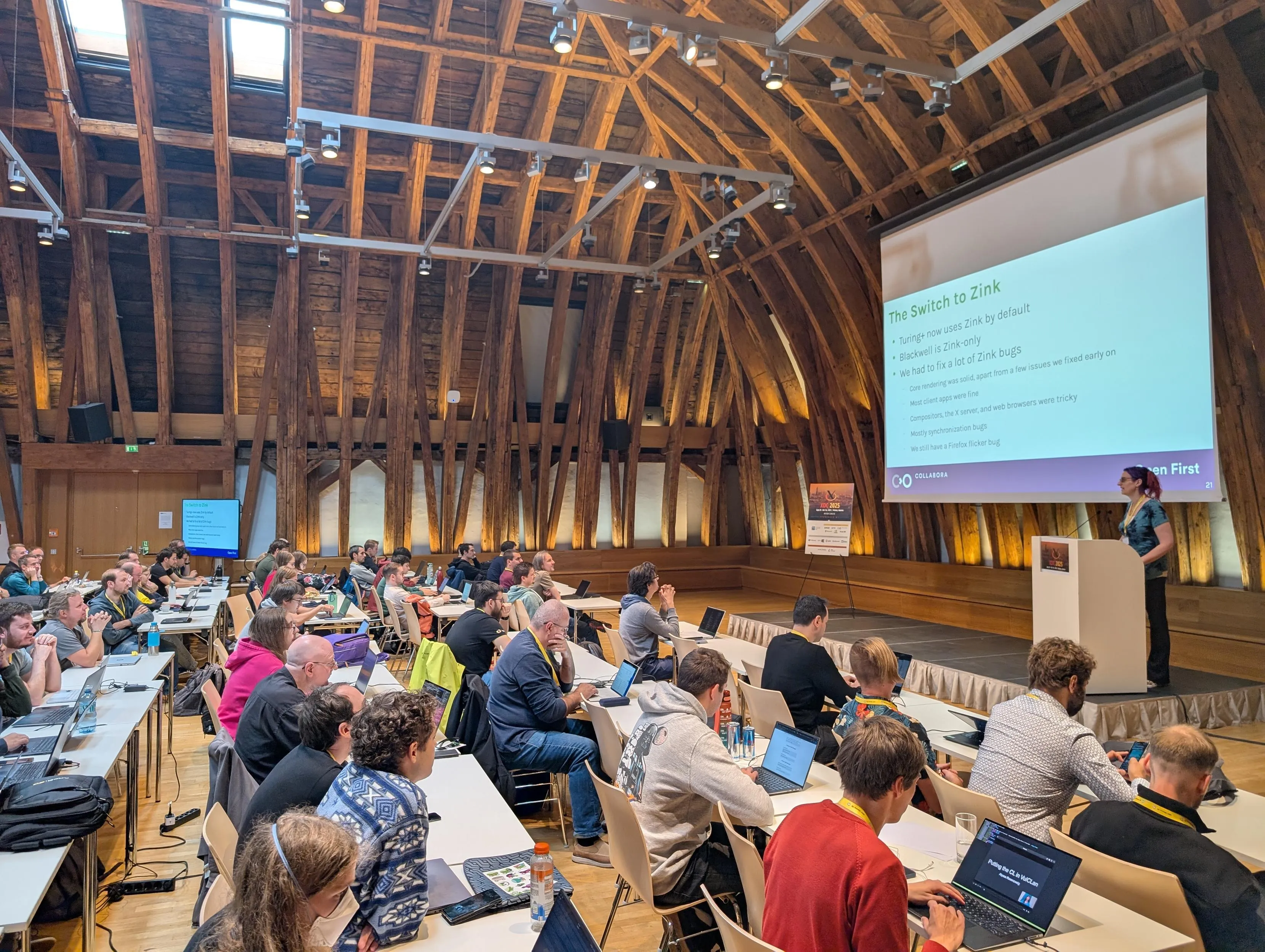
Image from Mastodon - floss.social
I think it’s probably the most important conference related to the Linux graphic stack, and the best part… it’s free :D. If a new feature is coming to the DRM in the kernel or there is a major update in Mesa, it will probably be debated and presented here. I hope to participate sometime in the future. Sadly this year the event is not near where I live, so probably it will be next year instead…
FOSDEM
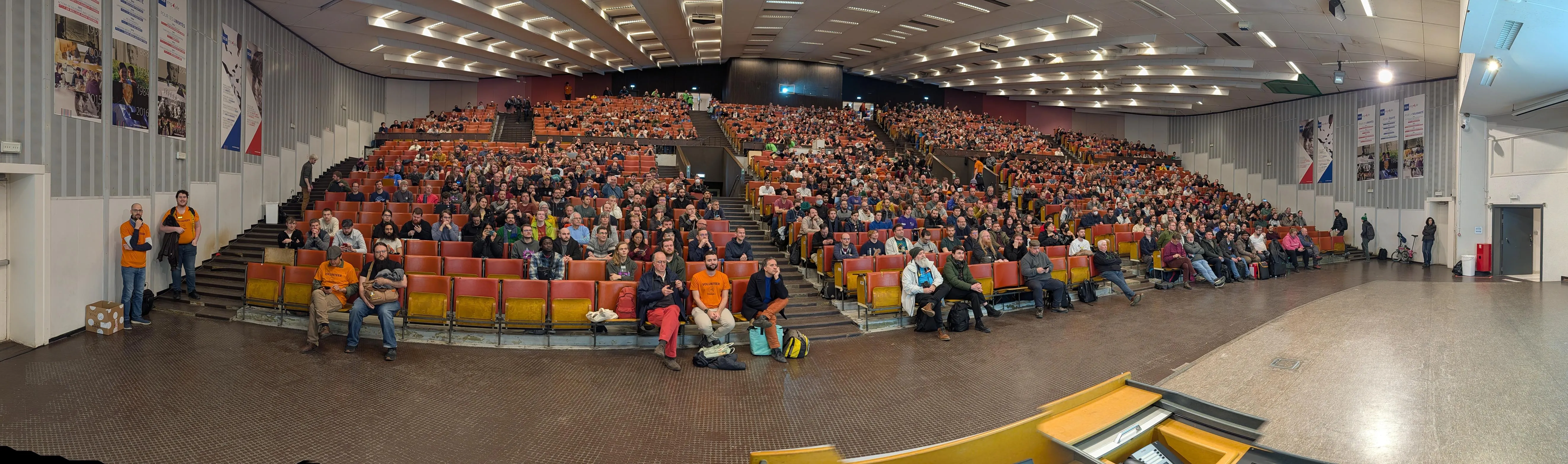
Image from Mastodon - chaos.social
It is one of the world’s largest open-source conferences, located in Europe. Obviously, graphics related staff is not the only thing presented here, but there is a dedicated Graphics Devroom. Very important for the Linux graphic stack ecosystem.

Vulkanised
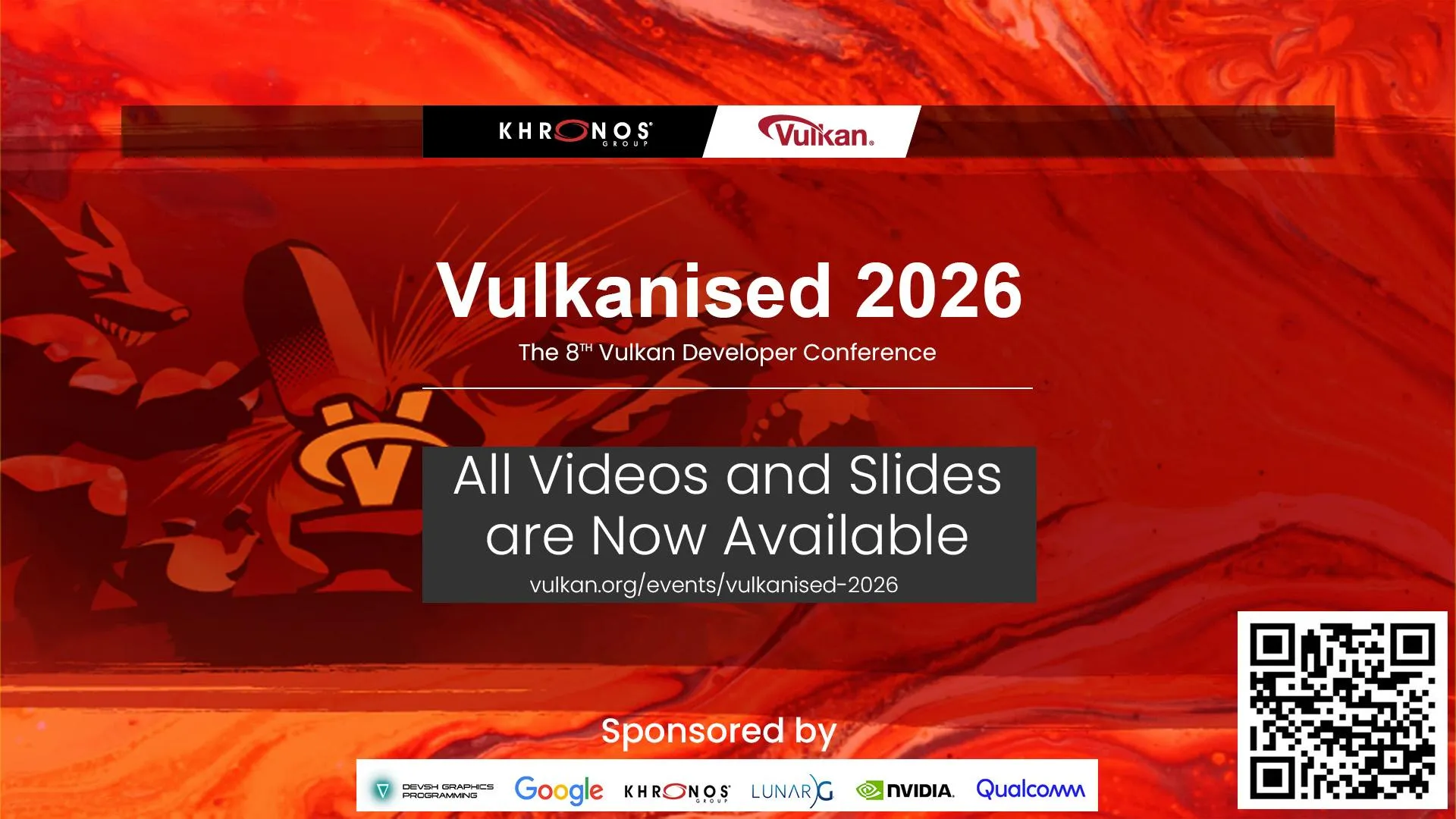
Image from Mastodon - fosstodon
Like you see from the title, this is a very specialized conference focused entirely on the Vulkan API. Hosted by the Khronos Group. Also, it’s very relevant to the world of the Linux graphic stack.
Linux Plumbers Conference

Image from eBPF
This one is a veeery technical one, I don’t think it is for beginners? since it’s more designed to bring together the most experienced developers to solve very complex problems that are difficult to fix over email lists, and also for the developers to sync up. It’s also not only dedicated to graphics, but it usually hosts a dedicated space for DRM.

The Linux Foundation Open Source Summit

Image from LinuxFoundation
This one is more of an “industry event” organized by the Linux Foundation. It covers a lot of open-source topics, focusing more on the industry rather than just the developers. Here the “major stakeholders” align their business goals with the open-source development. It’s relevant to the graphic stack on linux, but not a lot.
I have never attended to this one (or any of the others :c yet!), but I think this one is a good place to see which open-source projects are gaining relevance in the industry and receiveng founding, which usually means more people working on them (probably).
Code Hosting Platforms
The title speaks for itself: choose any platform, type the area that you are interested in, and pay attention to the license to check if it’s truly OSS. Here, you will likely find more small open-source projects compared to the other method/way.
Examples:


Step 3: Choose Your Pokemon!
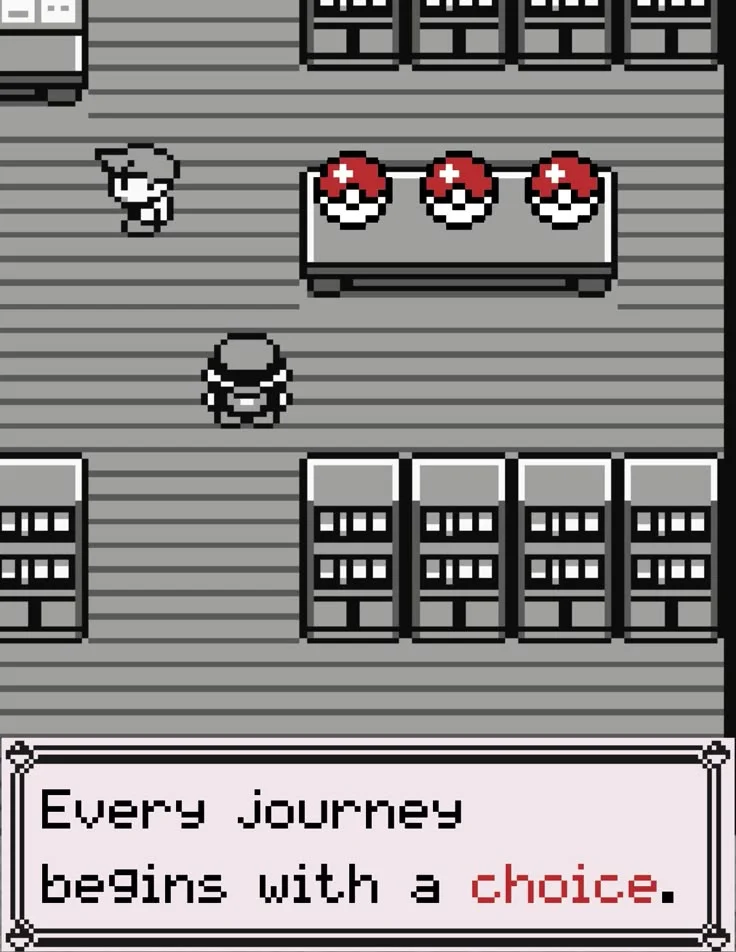
Image from the internet..
I imagine that you now have a more specific idea of what interests you (great!), now it’s time to choose our first OSS project! Having a list of open-source projects that interest you(if not, keep looking!), we’ll have to get a little picky to find the right one. First, I’ll share some general preferences that (I think) apply for any case, followed by some specific preferences that I used when ultimately choosing Turnip at the end.
- Check the license: Sorry that I’m repeating myself, but this is the first and most important thing to check since we are looking for OSS projects only.
- Check that the project is alive: There must be active developers working on it so you can help each other. Check the consistency and date of the commits of the projects.
How I ended up choosing Turnip
In my case, I became really interested in the current state of graphics on Linux. I’m sure that you’ve heard something about it lately, whether it’s Proton, or DXVK, or NVK, or SteamOS, or Honeykrisp, or anything related to the gaming/graphics ecosystem on Linux. So much is happening that it is hard to escape this “wave of change”, and it’s not just about to gaming or graphics, it’s happening across the entire Linux landscape.
We live in very interesting times, and I’m all in…I want to be part of this and contribute. There are some many people involved lately, working hard for this to get better and better each day. I remember trying gaming on Linux a few years ago, and compared to the current scene, the progress is impressive. I’ve always kept 2 partitions on my pc, one with Linux for my projects, work, and gaming, and another with Windows exclusively for certain games due to stability issues (and the anti-cheats :c), which I hope will soon be just one ;). Seeing all of this, I knew for sure that I wanted to be part of it.

Image from the internet..
This, combined with my experience in graphics, led me to decide to contribute to the graphic-driver ecosystem. But after that, the big question was which one? There are a loooooooot of drivers. To decide which one to pick, I started comparing them. At the time, I made this table comparison (which I hope is not outdated at the time I publish this):
| Hardware | Vulkan (Driver) | OpenGL (Driver) |
|---|---|---|
| Nvidia | NVK | Nouveau |
| AMD | RADV | RadeonSI |
| Intel | ANV | Iris |
| Qualcomm | Turnip | Freedreno |
| ARM | PanVK | Panfrost |
| Apple | Asahi Honeykrisp | Asahi GL |
| RaspberryPi | V3DV | V3D |
| CPU | Lavapipe | llvmpipe |
Special mention to Zink which is a “layered” driver that translates OpenGL command into Vulkan.
Probably there are a lot more, but these are the most interesting ones from my point of view at the time that I’m publishing this blog.
As you can see in the table, there are a lot of options. I’ll get very specific now, since these were my preferences for picking one or another:
- Something that is more related to modern graphics, so I would prefer Vulkan.
- Something that a considerable amount of people are involved, that is very active, since I want to belong to some kind of a developers community in which I can get and give help.
- Something that is not completely “done” and also not completely “new”. In either of those states, it would be hard for me since I’m starting. It has to be something in the middle.
- Something that I already have the hardware to work with or that is cheap to buy.
At the time I was deciding which one to pick, I remember joining the emulation on Android subreddit. I was impressed by how many users where testing games on Android and how well they were running. Around that same time, Valve announced the Steam Frame, which would use an Adreno GPU (a mobile gpu). Also, all the hype around the Snapdragon X Series (ARM architecture). Seeing all of that made my decision much easier. At that moment, I knew that I would choose Turnip as my first open-source contribution :)
...bably relevant, which means more developers are working on it. As I already mentioned in the other [[post]], the subreddits related to...
...per from [[Igalia]]. Conference Speeches As I already shared on this [[post]], there are several conferences related to the graphic...